

Web 應用程序開發中,及時高效處理常規任務至關重要,包括定時收集數據或管理任務計劃。針對強大且性能卓越的 FastAPI 框架,我們可以通過幾種策略來管理這些必要的定時任務。
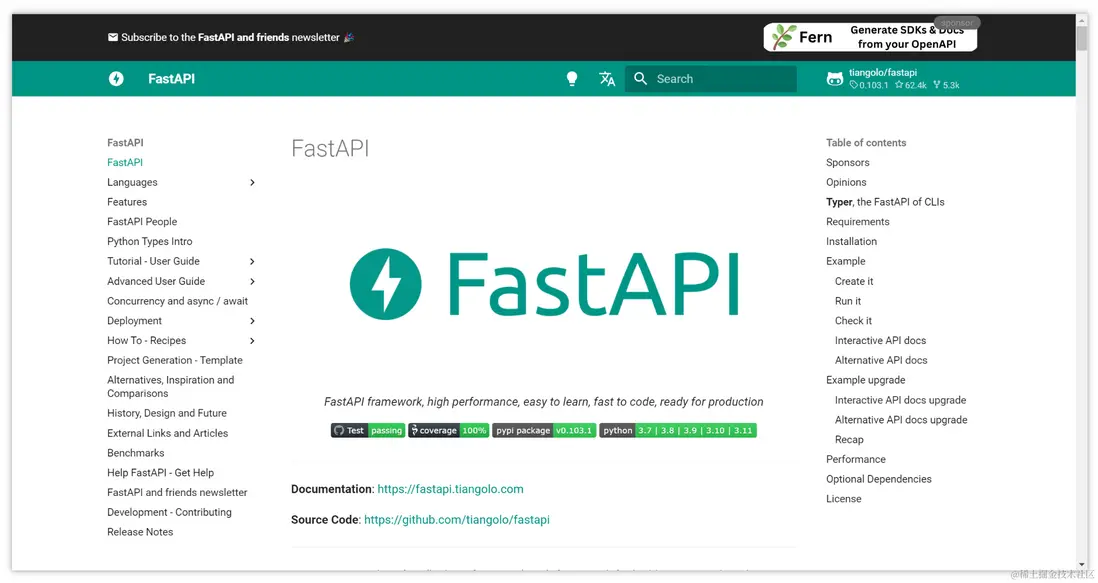
實現 FastAPI 中的定時任務
本指南將探討在 FastAPI 環境中管理定時任務的三種實用方法:使用 APScheduler,利用 Celery 任務隊列的力量,以及利用內置的 asyncio 進行調度。
1. 利用 APScheduler
APScheduler 是 Python 調度庫,以其靈活性和易於集成而著稱。以下是如何在 FastAPI 中使用它:
安裝
pip install APScheduler集成與初始化
from apscheduler.schedulers.background import BackgroundScheduler

scheduler = BackgroundScheduler()
定義定時函數
from datetime import datetime

def execute_periodic_function():
    print(f'定期任務執行時間:{datetime.now()}')
在 FastAPI 初始化後啓動 APScheduler
from fastapi import FastAPI

app = FastAPI()

@app.on_event("startup")
async def app_start():
    scheduler.add_job(execute_periodic_function, 'interval', seconds=3)
    scheduler.start()
2. 使用 Celery
Celery 是一個高效的分佈式任務隊列系統,可與 FastAPI 無縫集成。
設置 Celery
pip install celery定義 Celery 應用與任務
from celery import Celery

celery_app = Celery('my_fastapi_app')

@celery_app.task
def celery_periodic_task():
    print('執行了 Celery 任務')
在 FastAPI 啓動時安排任務
from celery.schedules import crontab

@app.on_event("startup")
async def app_start():
    celery_app.conf.beat_schedule = {
        '每半分鐘執行': {
            'task': 'celery_periodic_task',
            'schedule': 30.0,
        },
    }
3. 使用 Asyncio 進行定時任務
Python 的原生異步庫 asyncio 也可用於調度定時任務。
Asyncio 定時任務示例
import asyncio

@app.on_event("startup")
async def app_start():
    asyncio.create_task(async_cron())

async def async_cron():
    while True:
        print('執行 Async 定時任務')
        await asyncio.sleep(10)
實踐示例:使用 APScheduler
以下是完整的使用 APScheduler 管理定時任務的 FastAPI 應用示例:
from fastapi import FastAPI
from datetime import datetime
from apscheduler.schedulers.background import BackgroundScheduler

app = FastAPI()
scheduler = BackgroundScheduler()

def periodic_function():
    print(f'定時執行的操作時間:{datetime.now()}')

@app.on_event("startup")
async def app_start():
    scheduler.add_job(periodic_function, 'interval', seconds=3)
    scheduler.start()

@app.get("/")
async def welcome():
    return {"message": "歡迎訪問定時任務演示"}

if __name__ == "__main__":
    import uvicorn
    uvicorn.run(app, host="127.0.0.1", port=8000)
提示、技巧及注意事項
- 使用 Celery 時,請確保已安裝並配置 Redis(或其他消息代理)。
- 注意任務執行時長,避免對應用性能產生負面影響。
- 使用 try-except 模塊處理定時任務中的異常,並執行適當的錯誤處理。
使用 Apifox 這樣的工具可以簡化 API 測試,這是 Postman 等競品的更強大的替代品。Apifox 將 Postman、Swagger、Mock 和 JMeter 的功能整合在一起,簡化了對各種協議 API 的調試,提高了項目投產效率。
結論
無論選擇 APScheduler、Celery 還是 asyncio,FastAPI 都為實現定時任務提供了強大的解決方案。每種方法都有其優點,APScheduler 使用友好,asyncio 與 FastAPI 的異步特性相契合。根據您的具體需求和場景選擇最合適的方法。
知識擴展:
- FastAPI 中的 depends 怎麼使用?FastAPI 中 depends 的使用方法
- FastAPI 中怎麼進行鑑權?在 FastAPI 中鑑權的方法
參考鏈接:
- APScheduler Documentation: https://apscheduler.readthedocs.io/en/latest/index.html
- Celery Documentation: https://docs.celeryq.dev/en/stable/index.html
- asyncio Documentation: https://docs.python.org/3/library/asyncio.html


