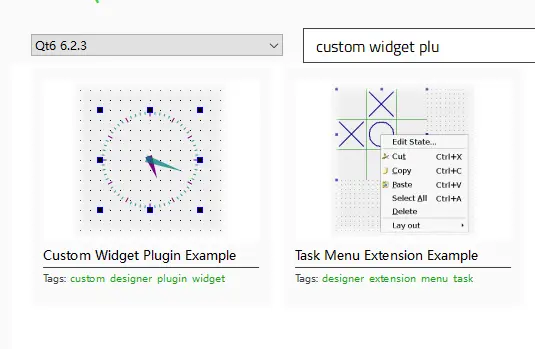
1.打開QT示例,Custom Widget Plugin Example
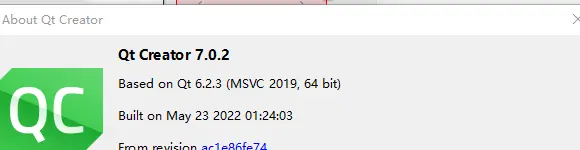
2.選擇編譯環境,注意需要與QT creator保持一致,可以通過Help->About Qt Creator裏查看qt creator的編譯環境,我這裏是Qt 6.2.3(MSVC 2019,64 bit)

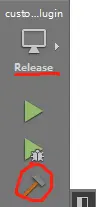
3.選擇release構建
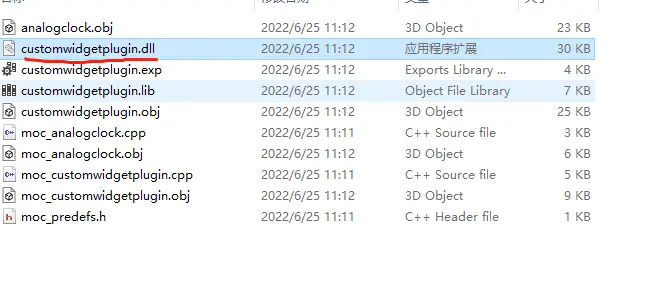
4.將生成的customwidgetplugin.dll放到qtcreator的plugins目錄,我的是(D:\software\qt\Tools\QtCreator\bin\plugins\designer)

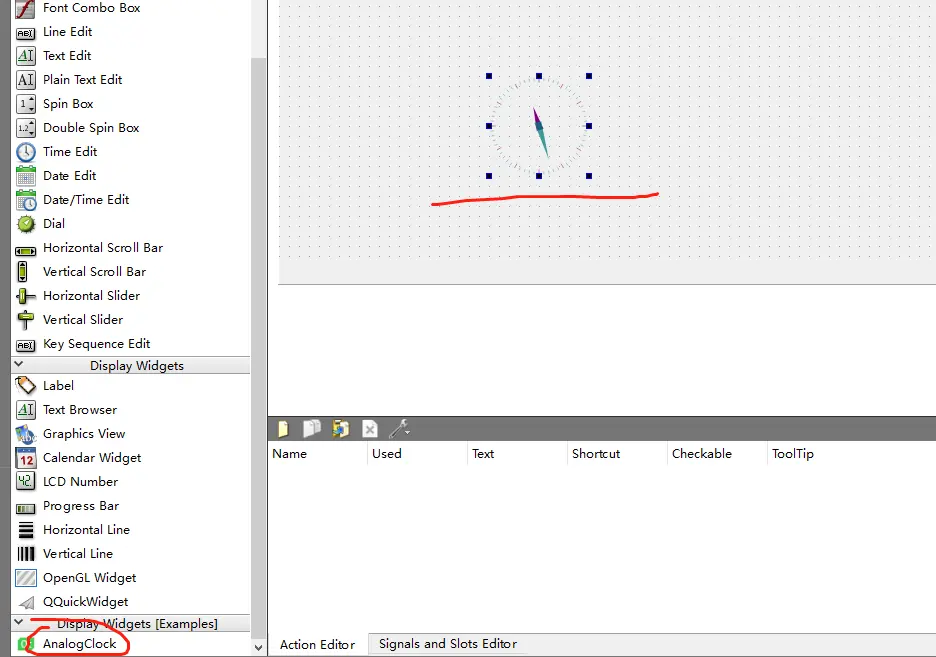
5.重新啓動QT creator,新建一個widget程序,即可在.ui文件裏看到這個控件
注意:編譯環境需要嚴格一致!!!包括QT的版本,這裏qt版本是6.2.3,不要使用其他版本,不然會出現莫名其妙的問題,我之前用qt 6.3.1(MSVC 2019,64bit)來編譯,將dll文件放到plugins後,提示Failed to extract plugin meta data from 'D:/software/qt/Tools/QtCreator/bin/plugins/designer/customwidgetplugin.dll')