

為什麼要用 expo ?因為 react native 官方推薦的
為什麼要用 npx?因為 expo 官方推薦的
怎麼用呢?看 expo 的官方文檔:https://docs.expo.dev/
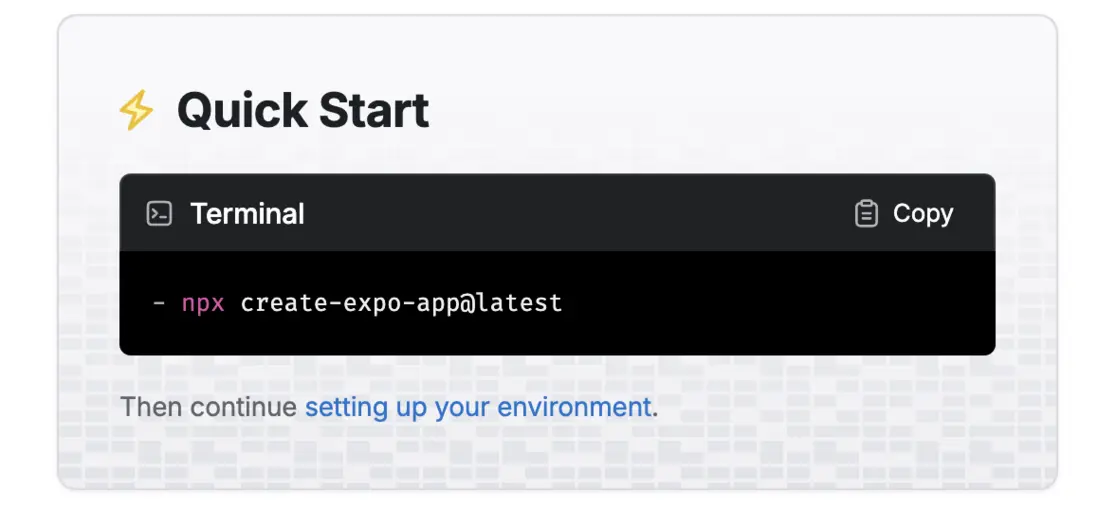
npx create-expo-app@latest這裏需要注意,如果你問 chatgpt,會得到 npm install -g expo-cli 來安裝, 但是這樣方式已經過期了,不要再用了
─➤  expo version
WARNING: The legacy expo-cli does not support Node +17. Migrate to the new local Expo CLI: https://blog.expo.dev/the-new-expo-cli-f4250d8e3421.
"version" is not an expo command. See "expo --help" for the full list of commands.
實操一下,輸入下面的命令,就會獲得一個 typescript 項目
npx create-expo-app x-s創建的目錄後是如下所示:
─➤  tree -I "node_modules"
.
├── README.md
├── app
│   ├── (tabs)
│   │   ├── _layout.tsx
│   │   ├── explore.tsx
│   │   └── index.tsx
│   ├── +not-found.tsx
│   └── _layout.tsx
├── app.json
├── assets
│   ├── fonts
│   │   └── SpaceMono-Regular.ttf
│   └── images
│       ├── adaptive-icon.png
│       ├── favicon.png
│       ├── icon.png
│       ├── partial-react-logo.png
│       ├── react-logo.png
│       ├── react-logo@2x.png
│       ├── react-logo@3x.png
│       └── splash-icon.png
├── components
│   ├── Collapsible.tsx
│   ├── ExternalLink.tsx
│   ├── HapticTab.tsx
│   ├── HelloWave.tsx
│   ├── ParallaxScrollView.tsx
│   ├── ThemedText.tsx
│   ├── ThemedView.tsx
│   ├── __tests__
│   │   ├── ThemedText-test.tsx
│   │   └── __snapshots__
│   │       └── ThemedText-test.tsx.snap
│   └── ui
│       ├── IconSymbol.ios.tsx
│       ├── IconSymbol.tsx
│       ├── TabBarBackground.ios.tsx
│       └── TabBarBackground.tsx
├── constants
│   └── Colors.ts
├── expo-env.d.ts
├── hooks
│   ├── useColorScheme.ts
│   ├── useColorScheme.web.ts
│   └── useThemeColor.ts
├── package-lock.json
├── package.json
├── scripts
│   └── reset-project.js
└── tsconfig.json

13 directories, 38 files


